Free Plant Diagnosis App: How to Quickly Figure Out What’s Wrong With Your Plant
Wondering what’s wrong with your plant? Learn how a free plant diagnosis app can help you spot issues fast and get your greenery back to health in no time.
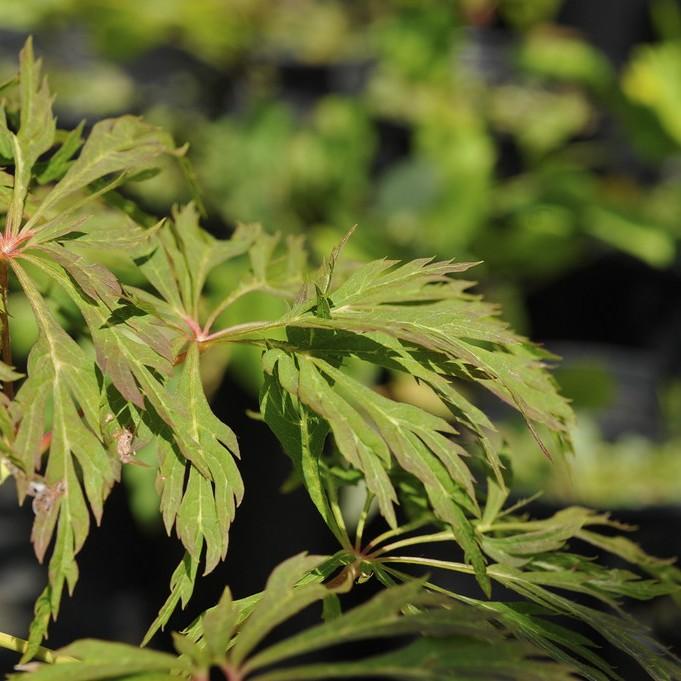
Free Plant Diagnosis App: How to Quickly Figure Out What’s Wrong With Your Plant
Wondering what’s wrong with your plant? Whether you’re dealing with wilting houseplant leaves or discolored foliage on your landscape maple tree, guessing the cause can do more harm than good. A free plant diagnosis app takes the guesswork out of troubleshooting, delivering targeted advice to get your greenery back to health fast. This guide walks you through how to use these tools effectively, with specific tips for common outdoor maple tree species that often stump new and experienced gardeners alike.
Why It’s Hard to Figure Out What’s Wrong With Your Plant on Your Own
New gardeners often mix up similar symptoms: yellow leaves can signal overwatering, nutrient deficiency, or too much direct sun, and guessing wrong can make the problem worse. For example, if you assume yellow maple leaves are from underwatering and add more water when the actual issue is root rot from overwatering, you could kill the tree entirely.
Even seasoned growers can struggle to tell apart pest damage from fungal disease on less common landscape species, and traditional gardening guides don’t always address region-specific or cultivar-specific issues. A tree that grows well in full sun in the Pacific Northwest may scorch easily in the intense heat of the Southwest, and generic advice won’t account for that difference. Plant diagnosis takes the guesswork out of this process by tying symptoms to the exact needs of your specific plant type.
How a Free Plant Diagnosis App Simplifies Troubleshooting
A free plant diagnosis app lets you upload a photo of your struggling plant in seconds, then flags common issues tied to that species’ unique needs. It cuts out hours of scrolling through generic gardening forums by giving you targeted advice specific to your plant, whether it’s a houseplant or a landscape tree.
For example, if you notice brown edges on your maple tree leaves, the app will cross-reference that symptom with the tree’s sunlight, humidity, and water preferences to pinpoint the most likely cause, instead of serving up a generic list of 10 possible problems that don’t apply to your specific cultivar. Sproutly works as a helpful plant identification and care tool to speed up this process, so you can start fixing issues right away.
Step-by-Step: Using a Free Plant Diagnosis App to Fix Your Plant
Using these tools effectively only takes a few minutes, as long as you follow a few simple steps to get the most accurate results:
- Take clear, well-lit photos of the problem area Capture close-ups of discolored leaves, pest damage, or wilting stems, making sure to avoid blurry or shadowed shots. Also take a full shot of the whole plant for context, so the tool can see its overall growing condition.
- Upload the photos and add extra context Share details like how often you water the plant, where it’s planted (full sun, partial shade, indoors near a window), and when you first noticed the issue. The more context you provide, the more targeted your results will be.
- Review your diagnosis and recommended fixes The app will deliver a list of possible diagnoses, ranked by likelihood, plus simple, actionable fixes you can implement that same day. If you’re using Sproutly, you can also save your plant to your personal care calendar to track its recovery over time.
Common Plant Diagnosis Results for Outdoor Maple Trees
If you’re growing any of the popular maple species in your landscape, a free plant diagnosis app will often flag these common issues, tailored to each cultivar’s specific needs:
- Brown leaf edges on Flame Amur Maple: Usually caused by low humidity or underwatering, since this species is humidity-loving. For more cultivar-specific guidance, check our Flame Amur Maple care guide.
- Yellowing leaves on Green Cascade Maple: Often a sign of too little sun, as this cultivar thrives in full-sun conditions. Learn more about its preferred growing conditions in our Green Cascade Maple species profile.
- Spotty foliage on Jiro Shidare Japanese Maple: Can be from excess moisture sitting on leaves, especially if the tree is planted in a poorly draining spot. Get more targeted advice in our Jiro Shidare Japanese Maple care tips.
All of these maple species are pet-safe, so none of the recommended fixes will put your furry friends at risk.
What to Do After You Get Your Plant Diagnosis Results
Once you have your results, take a structured approach to fixing the issue to avoid overwhelming your plant with too many changes at once:
- Start with the simplest recommended fix first: if the app flags underwatering as the most likely issue, adjust your watering schedule for a week or two before trying more complex fixes like adding fertilizer or amending soil.
- Monitor your plant’s progress every 2-3 days, and take follow-up photos to compare changes in its foliage. It can take 7-10 days for new growth to appear and show that your fix is working, so be patient.
- If the issue doesn’t improve after 10-14 days, re-upload new photos to the free diagnosis tool to get updated guidance. New symptoms that develop after you adjust your care routine can help narrow down the exact cause.
- For maple trees, you may also want to check for compacted soil around the root base, which can prevent water and nutrients from reaching the leaves even if you’re watering correctly. Loosening the top 2-3 inches of soil around the drip line can help improve absorption.
Limitations to Keep in Mind With Free Plant Diagnosis Tools
Free plant diagnosis tools are designed for common, non-emergency issues, and may not be able to identify rare, highly specialized pathogens or pest infestations that are unique to your region. If your tree is showing signs of widespread dieback, oozing bark, or severe infection after you’ve tried recommended fixes, you may want to consult a local arborist for in-person support.
Apps also rely on the quality of your photos: blurry, dark, or distant shots may lead to less accurate results, so always try to take clear close-ups of the problem area before uploading. If you get a result that doesn’t match your plant’s known care routine, try uploading a new set of photos with more context to get a more precise diagnosis.
Final Tips to Keep Your Plants Healthy Long-Term
Use your free diagnosis app as a preventative tool, not just a fix for when things go wrong: upload photos of your plants during their healthy growing season to build a baseline for comparison later. This makes it easier to spot small changes early, before they turn into major issues.
For outdoor maple trees, make sure they’re planted in full-sun spots and watered regularly to support their humidity-loving needs, which will cut down on common issues before they start. Avoid watering directly onto the foliage, especially for Japanese maple cultivars, to reduce the risk of fungal spots.
Sproutly can also send you custom care reminders for your specific plants, so you never miss a watering or fertilizing window that could prevent future stress.
FAQ
Can a free plant diagnosis app identify issues with outdoor trees as well as houseplants?
Yes, many free plant diagnosis apps cover common landscape trees like maple cultivars, as long as you upload clear photos of the problem area and share details about where the tree is planted.
How accurate is plant diagnosis from a free app?
Accuracy depends on the quality of your photos and how common the plant species is. For widespread, easy-to-spot issues like underwatering or sun scorch, apps often deliver very reliable results for common plants.
Do I need to know what kind of plant I have to use a free plant diagnosis app?
No, most apps (including Sproutly) will first identify your plant for you before diagnosing issues, so you don’t need to know the species name ahead of time.
What if the app’s recommended fixes don’t help my plant?
Try uploading new, clearer photos of any new symptoms, and share more context about any changes you’ve made to your care routine. If issues persist for severe tree damage, consult a local arborist.
Try Sproutly
Ready to stop guessing what’s wrong with your plants and get targeted, easy-to-follow care advice? Try Sproutly today for fast, accurate plant identification and diagnosis, plus custom care reminders to keep your houseplants and landscape trees thriving. Get started now.
Related Reading
More guides you may like
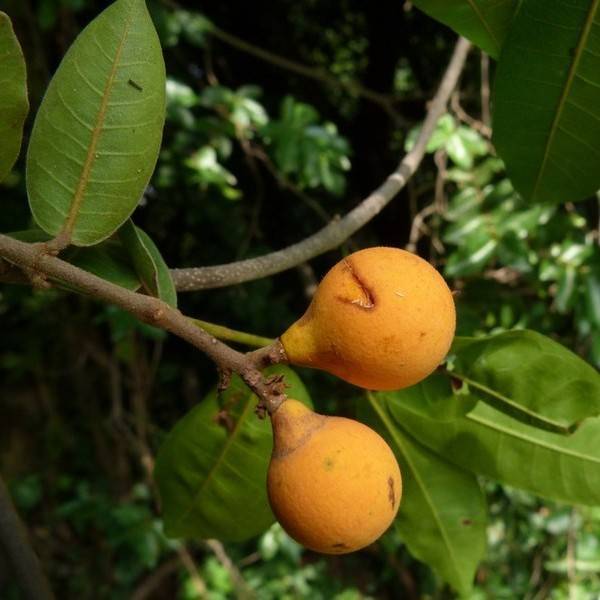
Jackfruit Tree: Growing, Care, Harvesting, and Key Facts for Home Growers
Learn how to grow, care for, and harvest a jackfruit tree, plus key facts about its fruit, health benefits, and ideal growing conditions.
2026-07-01 · 19 min read
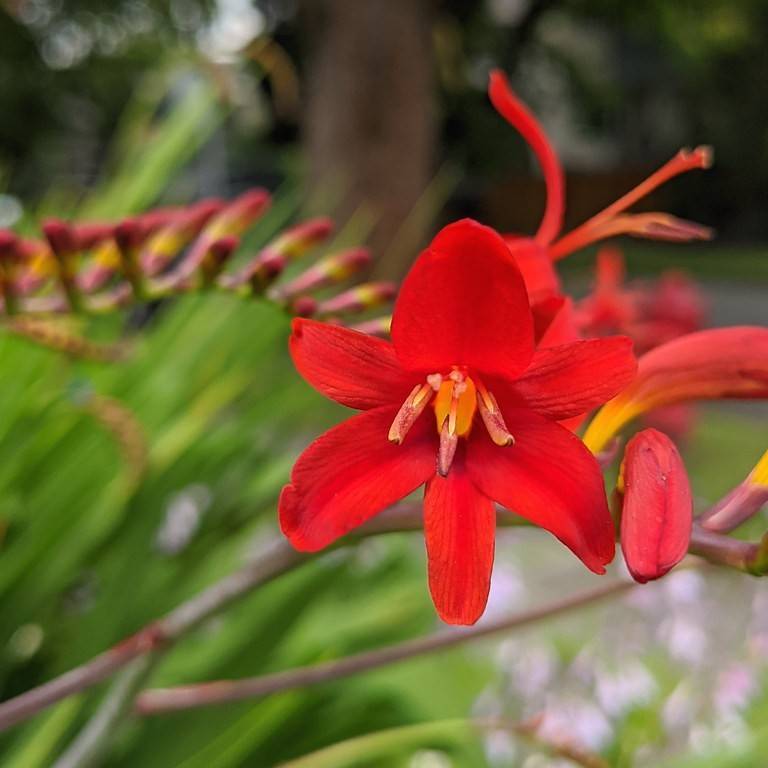
Montbretia Lucifer: Complete Care, Growing, and Design Guide
Learn how to grow and care for montbretia Lucifer, a vibrant red-flowering crocosmia cultivar ideal for sunny, humid garden beds and pollinator-friendly landscapes.
2026-07-01 · 11 min read
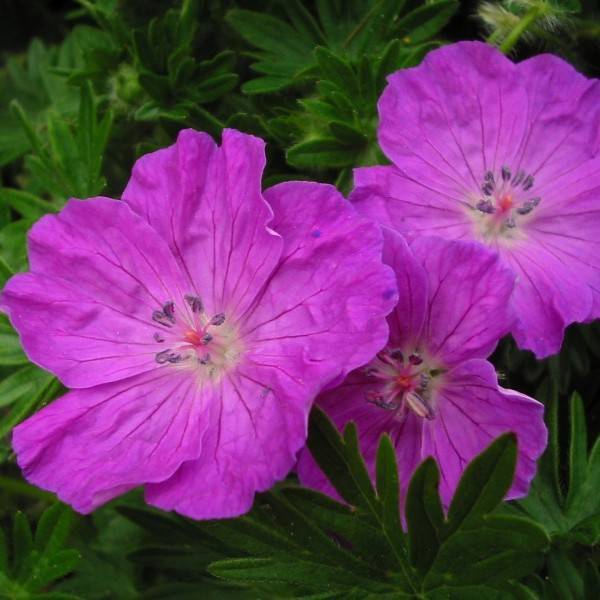
Geranium Sanguineum: Complete Care, Identification, and Growing Guide
Learn how to grow and care for Geranium sanguineum, a hardy, low-maintenance perennial ground cover with vibrant magenta blooms and autumn foliage.
2026-06-30 · 11 min read